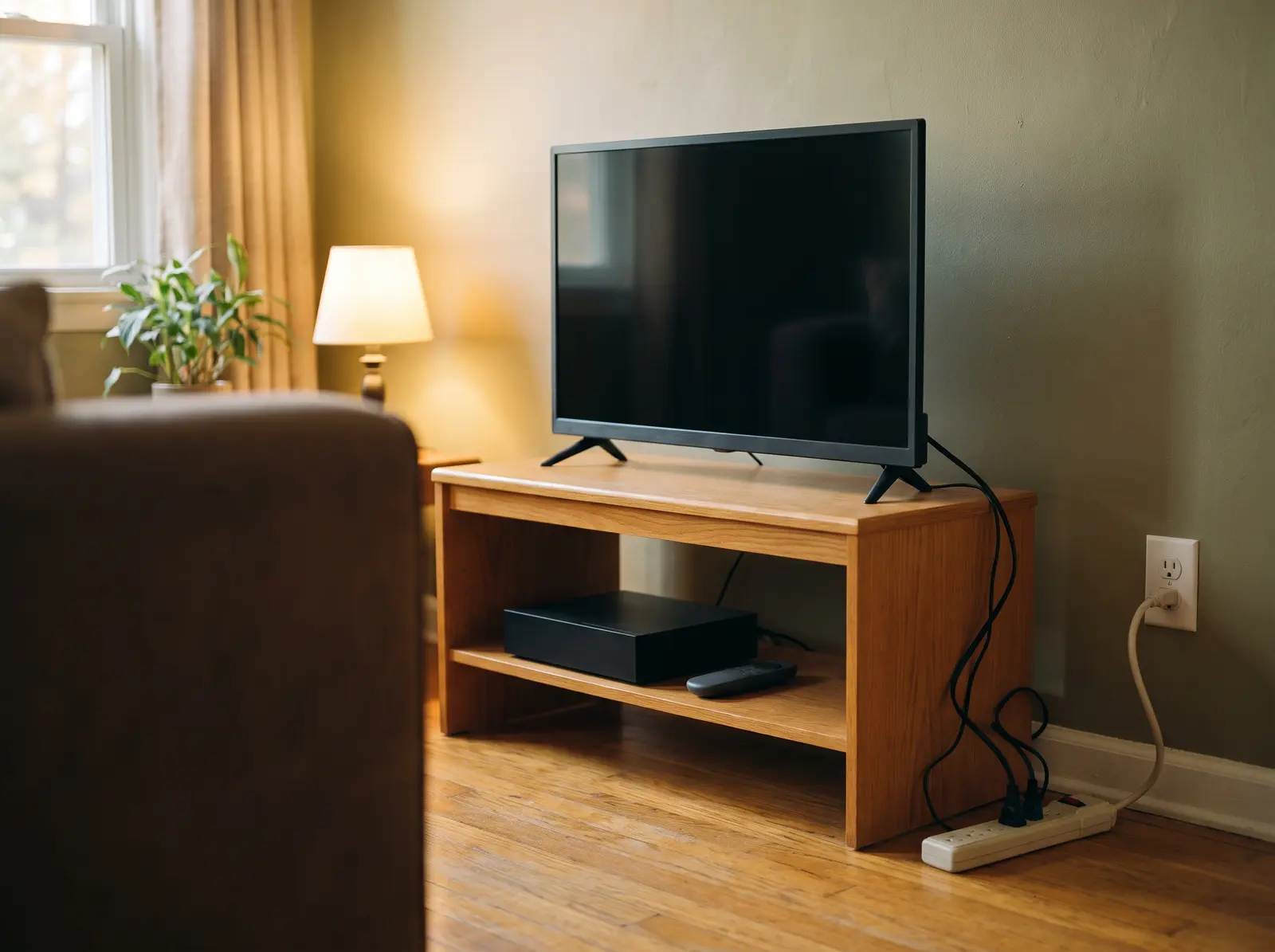

You don’t need to start by buying smart plugs or unplugging every cord. Start with one unused device and work out whether cutting its power makes sense. Find related guides in our bills and savings hub.
What is vampire energy?
Vampire energy is another name for standby power, electricity used while a device isn’t in use.[5] In household electricity, you may also hear it called phantom power.[6] These names describe a device’s low-power state, rather than how much it uses during its main task.[1]
A device may keep a clock running or listen for your remote.[2] Network standby can maintain an internet connection while the device isn’t doing its main job.[6] That can be useful, so first ask which functions you still need.
We need standby power because it performs useful tasks that supplement primary functions.[7]
Which devices use vampire energy?
Entertainment equipment and computers are useful places to check, rather than assume a saving.[5,7] Start with older equipment you rarely use or seasonal devices left unused for months.[7] The model and its selected mode need checking before you decide what to switch off.[5]
Unused TV and entertainment equipment
- What to check
- Check whether the set needs standby for maintenance. LG tells owners to keep its OLED TVs powered during Pixel Cleaning.[8]
- Your next step
- Read your model’s manual before cutting power.[5] You can also open the TV cost tool. For standby, measure the device in the low-power mode you are checking.[1]
Cable boxes, DVRs and game consoles
- What to check
- These can use power while unused. Check the manual for needed functions and whether unplugging is appropriate.[5]
- Your next step
- Keep any function you rely on powered; measure only a mode you can safely interrupt.
Computers and nearby equipment
- What to check
- Check the computer’s sleep settings first.[7]
An empty charger
- What to check
- A charger can be tested with the portable device detached.[1]
- Your next step
- Measure that charger rather than assigning it another model’s wattage.
Open the appliance cost calculator. For standby, use a reading from the actual low-power mode you’re checking.[1]
How much does standby power cost?
Standby cost depends on power, time and the charges tied to your electricity use.[3,4] First find your electricity use and rate on the bill. Use the charges per kilowatt-hour (kWh), the unit that measures electricity use.[3,4]
- Estimate the energy. Multiply average standby watts by unused hours, then divide by 1,000 to get kWh.[3]
- Estimate its variable cost. Multiply those kWh by the applicable charge per kWh for that usage.[4]
- Keep the assumptions visible. For a hypothetical example, assume a constant 1 watt over 24 hours a day for 365 days. That’s 1 × 24 × 365 ÷ 1,000 = 8.76 kWh a year.[3] This is arithmetic, not a measured device or a typical saving.
Match each portion of use to the charge that applies to it.[4] Ask your utility which charges change with use if your plan is hard to follow. Keep that estimate separate from a promise about your total bill.
How do you find vampire energy at home?
Use a compatible plug-in meter to check an accessible, suitable device in its low-power mode.[1,5] Follow the meter and device instructions and their load limits. Leave portable heaters and other large heat-producing devices out of this test.[10]
Step by step
Check one unused device
Does unplugging appliances save money?
Unplugging can remove an unused device’s standby draw when it’s safe to disconnect.[2] The energy you avoid depends on the measured power use and how long the device stays disconnected.[3] Any bill change then depends on your charges and billing setup.[4,9]
Start with built-in settings before adding a purchase to the task. Lawrence Berkeley National Laboratory recommends enabling computer sleep mode.[7] Check the manual before going further: unplugging could erase settings or programmed data.[5]
When does a smart plug or power strip help?
A control helps when it safely cuts an avoidable draw without interrupting a function you need.[2,5] Choose it after checking the device and its manual, rather than assuming every plugged-in item needs one.
How power is cut
- Switched strip
- You turn the switch off to cut power to compatible equipment. Leaving a regular strip switched on doesn’t reduce standby use.[2,5]
- Advanced strip
- It can switch devices off automatically using a timer, motion sensing or current sensing.[5]
- Smart plug
- You can remotely control some compatible appliances.[13]
Compatible equipment and needed functions
- Advanced strip
- Keep needed devices continuously powered.[5]
What to check on the model
What energy to check
What to weigh before buying
- Switched strip
- Include the purchase price in your decision.
- Advanced strip
- Include the purchase price in your decision.
- Smart plug
- Compare energy avoided with the control’s own use, and weigh its purchase price too.[13]
For a smart control, compare the energy avoided with the control’s own use over the relevant time.[13] Include the purchase price in your decision too. A convenient switch can be useful, but it doesn’t establish a payback period by itself.
What should stay plugged in?
Keep equipment powered when you rely on its medical, safety, communication or food-storage function.[5,16,17] Leave these devices out of standby shutoff experiments. Needed power is a reason to keep a device on.
- Medical equipment: keep needed equipment powered and follow its provider’s instructions. FDA notes that many home medical devices need electricity, and interruptions can reset settings.[16]
- Alarms and needed communications: preserve the power needed by your alarm system, phone base or Wi-Fi.[5]
- Refrigerators and freezers: leave them on for normal food storage. Federal food-safety guidance warns against eating perishables that weren’t kept properly refrigerated or frozen during a power outage.[17]
Finish with the device you checked, rather than trying to clear every outlet. Keep a useful function, change a setting, or disconnect compatible unused equipment. The right next step follows what you need and what you actually measured.
How Public Grid helps
After you check standby devices, look at your account as a whole. You can connect your existing utility account. See how your energy use changes over time and spot opportunities to cut back. Our service is completely free.[18]
Common questions
Sources · 18
- 1Measuring Standby Power · U.S. Department of Energy, Federal Energy Management Program
- 2Frequently Asked Questions · Lawrence Berkeley National Laboratory
- 3RECS terminology · U.S. Energy Information Administration
- 4Electricity glossary · U.S. Energy Information Administration
- 5What’s draining your energy? Vampire Power · Office of the Ohio Consumers’ Counsel
Show all 18Show fewer
- 6Standby power and smart devices · Natural Resources Canada
- 7What Can I Unplug Now? · Lawrence Berkeley National Laboratory
- 8How to Stop Repeated Pixel Cleaning Notifications on Your LG OLED TV (September 8, 2026) · LG USA Support
- 9Understanding Your Utility Bill · Michigan Public Service Commission
- 10List of Meters to Measure Standby · Lawrence Berkeley National Laboratory
- 11Appliance and Electrical Fire Safety (reviewed May 4, 2023) · U.S. Fire Administration
- 12Electrical Safety Dos (page 1) · Electrical Safety Foundation International
- 13Smart homes · Australian Department of Climate Change, Energy, the Environment and Water
- 14What If My Smart Plug Feels Warm? (March 23, 2026) · TP-Link US Support
- 15Compliance requirements for relocatable power taps or power strips (November 18, 2002) · Occupational Safety and Health Administration
- 16FDA Offers Tips about Medical Devices and Natural Disasters (April 16, 2024) · U.S. Food and Drug Administration
- 17Food Safety in a Disaster or Emergency (reviewed September 20, 2023) · FoodSafety.gov
- 18Public Grid home page and common questions · Public Grid
