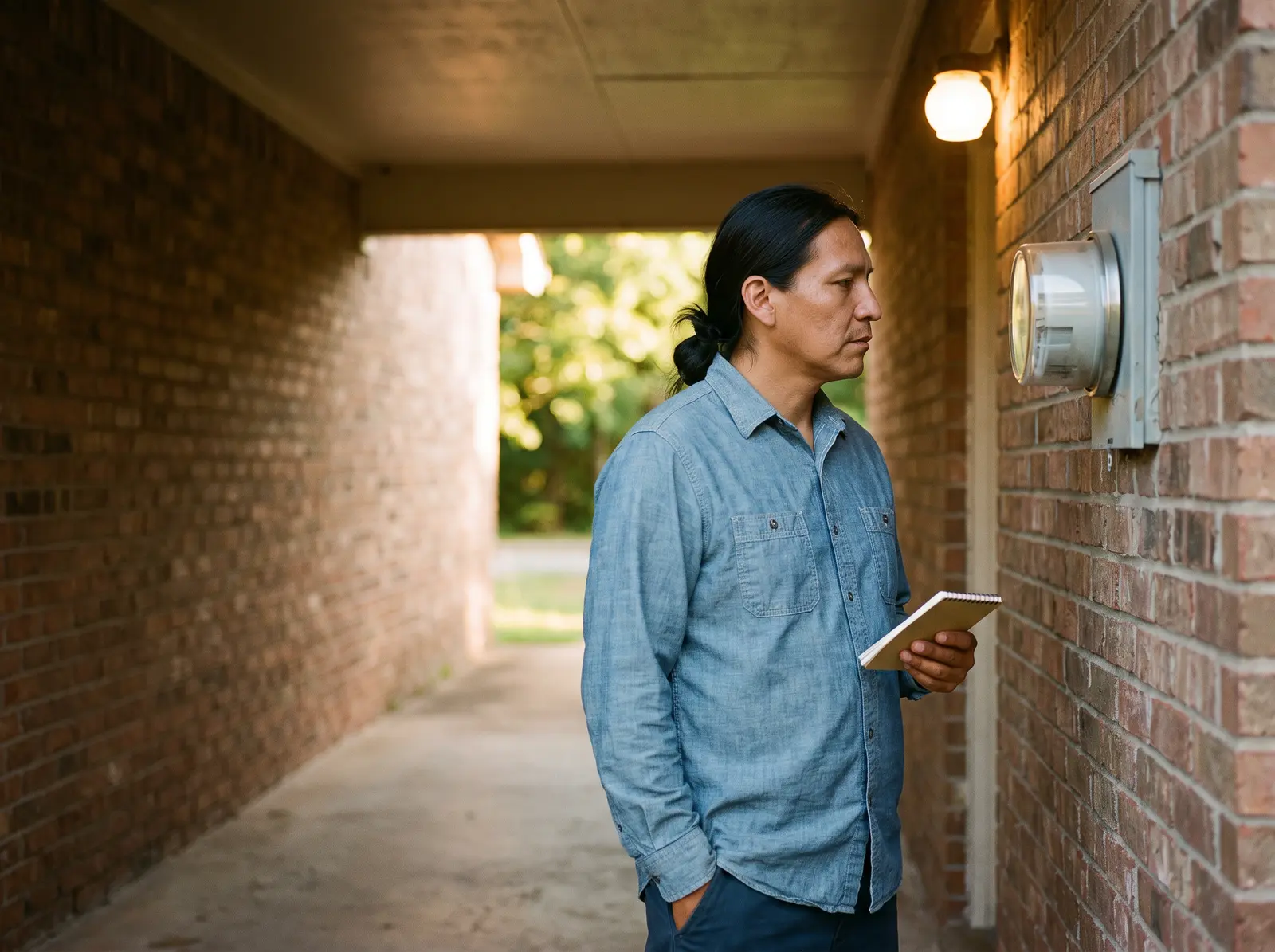

You might be checking an estimated bill or trying to understand the numbers outside your home. Start by finding your meter, then follow the matching reading method below. If you can’t tell which number to read, ask your utility for help.
How can you find the right electric meter safely?
Match the meter number on your bill with the number on its face. FirstEnergy says the bill’s meter number shows which meter serves your home.[6] If you can’t confirm the match, ask your utility before writing down a reading.
FirstEnergy says apartment meters may be grouped together. If they aren’t labeled, ask your apartment manager or landlord which meter serves your home.[7] A row of meters isn’t a reason to test circuits or investigate wiring.
If you see damage, stay clear and contact your utility. Upper Peninsula Power Company’s guidance says to call 911 for fire, active sparking or an immediate threat to life or property.[2] Don’t approach to get a reading or photograph.
- For the bigger picture, read about how electricity reaches your home.
- If the building’s setup is unclear, see how your apartment’s electricity is metered. A master meter measures the building as a whole, rather than individual homes.[8]
Which type of electric meter do you have?
Use the visible face to choose a reading path, then check the utility’s model guide. A digital screen alone doesn’t prove the meter is smart. Salt River Project (SRP) describes digital screens on standard meters and automatic radio reporting on smart meters.[9]
Find your answer
What can you see without touching the meter?
- “The face has numbered dials with pointers.”
Follow the dial-reading method.
National Grid’s dial guide keeps the recorded numbers in left-to-right order. Adjacent dials turn in opposite directions, so look at each printed scale.[10] Follow your utility’s guide if your face differs, and read the dial-meter steps.
- “The face shows a digital number.”
Check which number the utility wants.
Con Edison tells readers to enter digital numbers exactly as displayed.[11] Confirm that the display is the usage reading for your model before copying it. Read the digital-meter steps.
- “The digital screen cycles through several displays.”
Identify the usage screen first.
The smart meter Southern California Edison (SCE) describes cycles automatically through screens. Its usage display uses 001; that example doesn’t identify another utility’s display.[1] Watch without pressing anything as you follow the smart-meter steps.
Meter reading is one part of how electricity works. The useful next question is which number your utility’s guide tells you to record.
How do you read an electric meter with dials?
Write down the digit each pointer has passed, rather than rounding to the nearest number. Con Edison says to choose the lower number between digits, with one exception: between 9 and 0, record 9.[11]
Follow the printed scales
National Grid’s adjacent dials alternate clockwise and counterclockwise. Record the final digits from left to right, keeping each in its original position.[10]
Resolve a pointer between numbers
Use Con Edison’s lower-number rule, keeping the 9-to-0 exception. A pointer between 9 and 0 records 9, even when it looks closer to 0.[11]
National Grid shows a dial example that reads 3597.[10] Treat that as a teaching example, rather than a target for your home. Use the picture in your utility’s guide to check the dials on your meter.
How do you read a digital electric meter?
Copy the usage display as your utility’s guide shows. Con Edison says to enter the numbers exactly as they appear.[11] Don’t drop zeros or digits after a decimal point without checking the guide.
Keep the digits in order
National Grid’s digital example displays 00408, representing 408 kilowatt-hours (kWh), the unit of electricity use.[10] This is a sample total, not monthly use.Confirm the model
FirstEnergy advises against reading its Electronic Load Meter yourself.[3] Ask your utility whether you can read that model yourself.
Special meters need a separate check before you submit anything. PSEG Long Island’s FAQ says its described meter records use by time period and must be read by its meter reader.[4] Follow the guide for your meter and plan, rather than another utility’s digital example.
How do you read a smart electric meter?
Watch the screen cycle and find the usage register, or stored total, in your utility’s guide. SCE describes an automatic cycle, with total use on its 001 screen.[1] You don’t need to press a button to read it.
Use the running kWh total in your utility’s guide, rather than a kilowatt (kW) demand reading or a date/time screen. National Grid Massachusetts shows its total, the date and the time on their own screens. We Energies lists total kWh use, maximum kW demand, date and time on their own screens.[10,12]
| Where | What to expect |
|---|---|
| Southern California Edison001 | SCE identifies 001 in the upper-left corner as the total-usage screen on its described meter.[1] |
| National Grid Massachusetts404 | National Grid identifies 404 as total energy use in kWh since installation.[10] |
| SRP Elster REX1Display test | SRP labels 888.88 as a display test, rather than a usage reading.[9] |
Meter displays vary. Check your utility’s guide for your meter and rate plan.
Check your utility’s guide for the meter model and plan you have.
Those labels apply to different meters. Florida Power & Light’s solar NET display shows delivered electricity minus excess electricity sent back to the grid.[5] For NET, export (electricity sent back) or separate time-period totals, ask the utility which reading applies before calculating use.
How do you calculate electricity use from meter readings?
Subtract the earlier reading from the later one on the same running kWh usage total. SCE compares that running total to a car’s odometer.[1] Keep the meter, register and units the same for both readings.
Earlier reading
- Date
- May 1
- kWh
- 12,340 kWh
Later reading
- Date
- June 1
- kWh
- 12,800 kWh
Use between readings
- Date
- May 1 to June 1
- kWh
- 460 kWh
The sample’s 12,800 kWh is the running reading; 460 kWh is the difference between readings. This example assumes a plain usage register without a multiplier, a number applied to the reading. LADWP’s demand-meter example requires a meter constant, so don’t assume that subtraction alone fits every meter.[13]
Why does your bill show an estimated meter reading?
Your bill may be an estimate when the utility can’t get a reading. Consumers Energy lists access problems and equipment or system issues as reasons.[14] An estimate alone doesn’t tell you which happened at your home.
Check the bill’s reading date and message
Consumers Energy says its bill includes a message when usage is estimated.[14] Find the meter readings and dates on your bill before comparing them with a reading taken today.
Ask which submission process applies
Check whether your utility accepts self-reads, its submission window and the ID it needs. Con Edison accepts a readable meter photo and asks for the account number in the email body.[11] Use its official private submission channel.
Ask what happens to a reading received now
Consumers Energy describes this case: you know in advance your meter isn’t reporting remotely, but it still shows a digital reading. The utility can update the bill if your report arrives in time.[14] FirstEnergy says a reading outside its stated window leads to proration, an adjustment for the timing.[3]
If your report is received in time, we will use it to update your bill.[14]
If you can’t safely read or photograph the meter, ask the utility for help. A photo isn’t a reason to approach damaged equipment or open a cabinet.[2] Let the utility confirm whether your reading can be used for the bill’s period.
How Public Grid helps
Want to follow your energy use between meter readings? With Public Grid, you can track your usage and spending. See how your energy use changes over time and spot opportunities to cut back.[15] You can connect your electricity account to get started.
Common questions
First check the meter number, register label and both reading dates. FirstEnergy says the bill’s meter number shows which meter serves your home.[6] If the lower reading is still unexplained, ask your utility whether those readings can be compared before calculating a difference.
An apartment can share a building-wide meter. HUD defines a master meter as measuring the building as a whole rather than individual homes.[8] Ask your building manager which reading, if any, applies to your apartment.
Sources · 15
- 1Where is my meter? How do I read it? · Southern California Edison
- 2Electric Meter Safety – A Little Space Keeps Everyone Safe · Upper Peninsula Power Company
- 3Meter Reading · FirstEnergy
- 4How to Read an Electric Meter · PSEG Long Island
- 5How to Read Your Meter · Florida Power & Light
Show all 15Show fewer
- 6Help Center: Meter and Usage · FirstEnergy
- 7Locating Meter Info · FirstEnergy
- 8Utility Allowances and Resources · U.S. Department of Housing and Urban Development
- 9How to read your electric meter · Salt River Project
- 10How to Read Your Meter: Massachusetts Home · National Grid
- 11How to Submit an Electricity Meter Reading · Con Edison
- 12Reading Your Electric Meter · We Energies
- 13How to Read Your Electric Meter · Los Angeles Department of Water and Power
- 14How We Read Meters · Consumers Energy
- 15Public Grid: Usage and spending · Public Grid
